With AI, you can do many jobs for your print on demand shop yourself that used to take a lot of time or extra help. You can sketch a design idea in minutes instead of a day, create product photos without a photo shoot, and sell personalized products without redesigning each order by hand.
This guide walks you step by step through using AI for 7 key jobs: finding ideas, making designs, printing sharp, creating product photos, selling personalized products, writing listings and running your shop. At each step, you'll see what AI does well, what still needs your decision, and which tools make the job easier.
What AI is great at, and what it still needs you for
Think of AI as a fast, tireless assistant. It's great at first drafts, giving you lots of options to choose from and handling repetitive writing, like descriptions for dozens of similar products. Work that depends on knowing your buyers and the market, like picking designs buyers will love, catching mistakes in what AI makes or making sure listings follow marketplace rules, still needs your decision. Splitting the work this way lets you move faster while keeping your shop's quality and style.
Step 1: Find niches and ideas
Start with the audience you want to sell to, not with products. Ask a chatbot like ChatGPT about the hobbies, jobs, milestones and inside jokes of a specific group, then turn the best answers into design ideas. After that, check real demand: search Etsy, look at what's already selling (look for the "Bestseller" or "Popular now" badge) and read the reviews.
You'll find ready-to-copy prompts for this step and most of the ones below in our post on ChatGPT prompts for Etsy and print on demand sellers.
Step 2: Make your designs
Image generators like ChatGPT, Midjourney and Gemini can turn a sentence into artwork. For good results, write prompts that clearly describe the subject, the style, the colors, any text and the background. For shirt designs, ask the AI tool to create just the artwork on a transparent background.
A few habits make your designs better and safer to sell:
- Make one design at a time and refine it, instead of creating a whole collection at once.
- Check every letter in the design, since AI can still misspell words.
- Keep brands, logos, famous characters and celebrities out of your prompts, so your listings don't get infringement reports.
- Add your own touch, like hand lettering, edits or a layout of your own. Your designs stand out more, and more of each one is protected by copyright, which gives you grounds to get copies taken down.
If you sell on Etsy, you'll also need to mention AI in your listing description. You can read Etsy's full rules and what US copyright law says about AI art in our guide to selling AI-generated designs.
Step 3: Make sure the design file prints sharp
This step takes only a few minutes but decides whether your design prints as sharp as it looks on screen. AI images are usually about 1,000 to 1,500 pixels wide. That's plenty for a screen, but at the 300 DPI (300 pixels for every inch of the design) most products need, it only covers 3 to 5 inches. If you print it across the front of a shirt, it comes out blurry.
The fix is to use an AI upscaler to fill in the missing detail, so the enlarged image stays sharp. Dreamship has AI Upscale built into the Designer to make this easy. When the DPI indicator above the design area turns red because the art doesn't have enough pixels for good print quality, you can choose AI Upscale and Dreamship improves the art before production. AI Upscale costs $0.20 per print area and is charged once, on the first order. Later orders that use the same art at the same size reuse the upscaled version at no extra cost. You can find the checklist for checking the quality of AI designs in our post on how to make AI designs print sharp.
Step 4: Create mockups and lifestyle photos
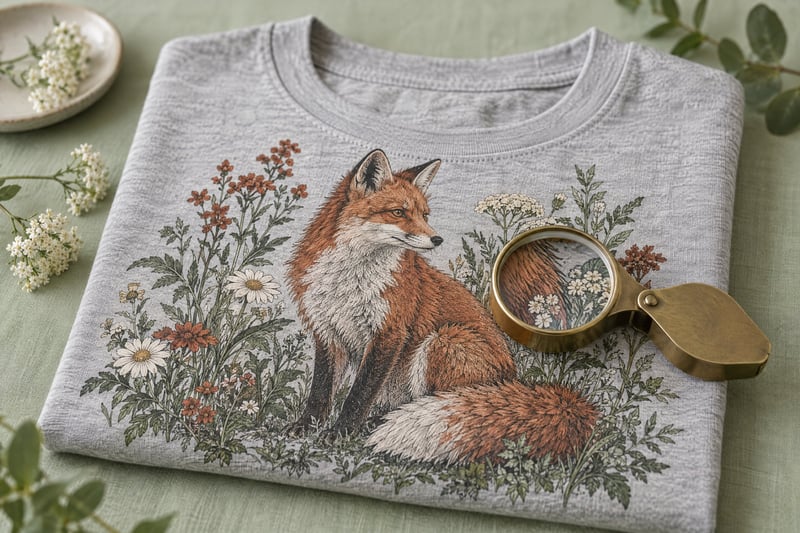
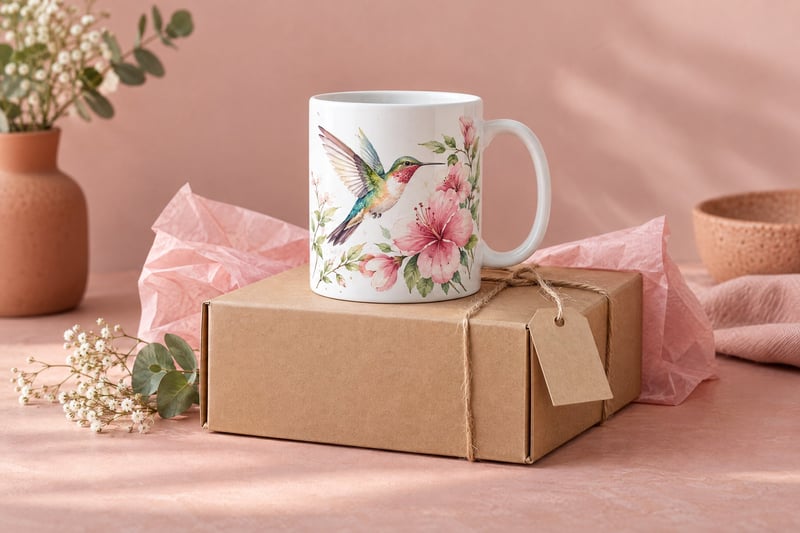
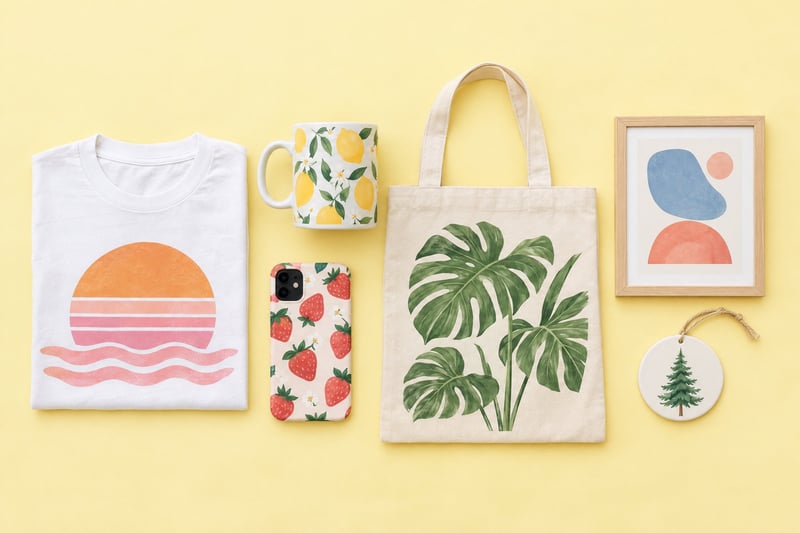
Good photos help you sell, and AI makes them much easier to get. Start with the mockups Dreamship makes for every product from your design file, so buyers see exactly how the design will print on the product.
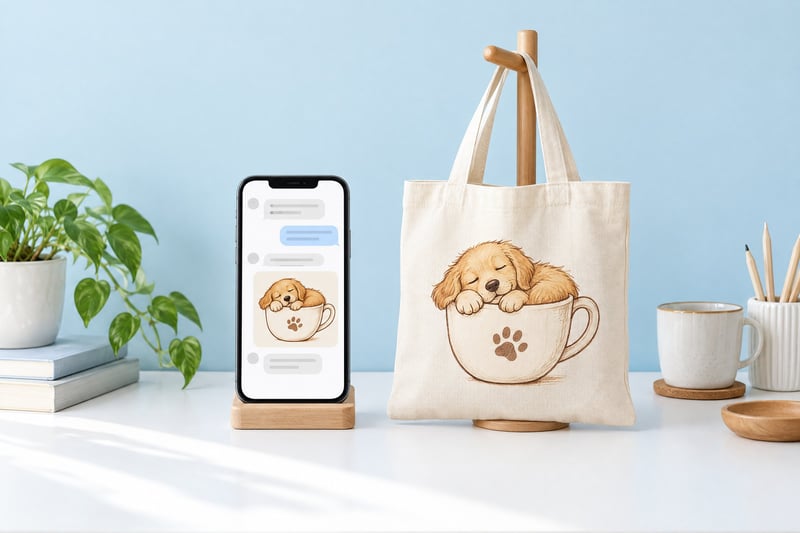
Then add lifestyle scenes that help buyers picture the product in their own lives. With Dreamship's free AI Mockup Generator, you upload your design or a product mockup, describe the scene in a sentence, like a canvas tote carried through a farmers market, and download the image for your listings and ads. You don't need to buy extra image credits, and you can ask for changes right in the chat, like warmer light or a closer shot.
Before you post, look over each image, since AI can change small details of the product, while Etsy requires every listing image to show the product's real color, material, size and printed design.
Step 5: Offer personalized products
Buyers love gifts with a name, a date or a photo of their pet on them. AI can make a one-of-a-kind design for each order for you, a job that used to be done by hand and took a lot of time.
With AI Personalization for Etsy, you design a product once, add up to 5 questions for your buyers, like their dog's name and a photo, and tell the AI how their answers should change the design, like "replace the text on the mug with the buyer's name" or "draw the dog in the design from the buyer's photo". Dreamship adds the questions to your Etsy listing as required fields buyers fill in when they order. When an order comes in, Dreamship's AI makes a one-of-a-kind design from the buyer's answers, and Dreamship prints and ships it.
Each order waits for your review (Needs Review status), so you can always see the art before it prints. If you don't like it, you can regenerate the art up to 10 times per item, or upload your own file. There's no fee for making the art. If it needs enlarging to print sharp, the usual $0.20 AI Upscale fee applies.
AI Personalization works with Etsy. For other stores, you can add each order's artwork yourself with Manual Personalization. When the order includes details the buyer filled in, like a name to print, Dreamship can generate the art for you right on the order page with the Generate artwork with AI button.
Note that Etsy requires the first image of a personalized listing to show a finished, personalized product, not a blank product or placeholder text like "Your Text Here".
Step 6: Write listings, descriptions and marketing
AI is a great first-draft writer for titles, descriptions, tags, social captions and emails. Give it the real product details, like size, material and care, since it doesn't know your product and may guess them. Read everything before it goes live, and make it sound like you.
Step 7: Run your shop from an AI assistant
This is the newest way to use AI, and it saves you the most clicks. The Dreamship connector links your Dreamship account to ChatGPT, Claude, Gemini, Grok or Perplexity. Then just type your request in the chat, and your assistant can:
- Turn your designs into products and publish them to your store
- Look up product prices and the shipping Dreamship charges you, to set your selling price
- Check on your orders
- Draft orders for you to review before you submit them
To keep you in control of costs, your assistant only drafts orders. Submitting, canceling and paying for orders stays with you on Dreamship. It's free on every Dreamship plan. If you have a lot of products, AI coding tools (coding agents) like Claude Code and Codex can even create products in bulk from a spreadsheet and a folder of artwork. You can see how to connect your AI assistant here.
A simple way to start using AI
If you're new to using AI for your shop, apply the 6 steps below to your first 2 or 3 designs, then repeat the process for the designs that follow.
- Pick one audience and ask ChatGPT for 20 ideas. Check the best five on Etsy.
- Make two or three designs and check the text, hands and edges carefully.
- Add them in the Dreamship Designer, and choose AI Upscale if the DPI indicator turns red.
- Make a lifestyle photo for each one with the AI Mockup Generator.
- Write your listings with AI, add a sentence saying AI helped make the design, and publish.
- Watch what sells, and make more of it.
AI saves you hours every week to focus on the work only you can do, like choosing designs and taking care of your buyers. Create a free Dreamship account to try these tools on your next design. They're built right in and ready when you are.