AI Mockup Generator
AI mockup generator for print on demand
Dreamship's AI Mockup Generator turns your design into a lifestyle photo of your product. Upload a design or a product mockup, describe the scene in a sentence, and download the image for your listings and ads. It's free with your Dreamship account.
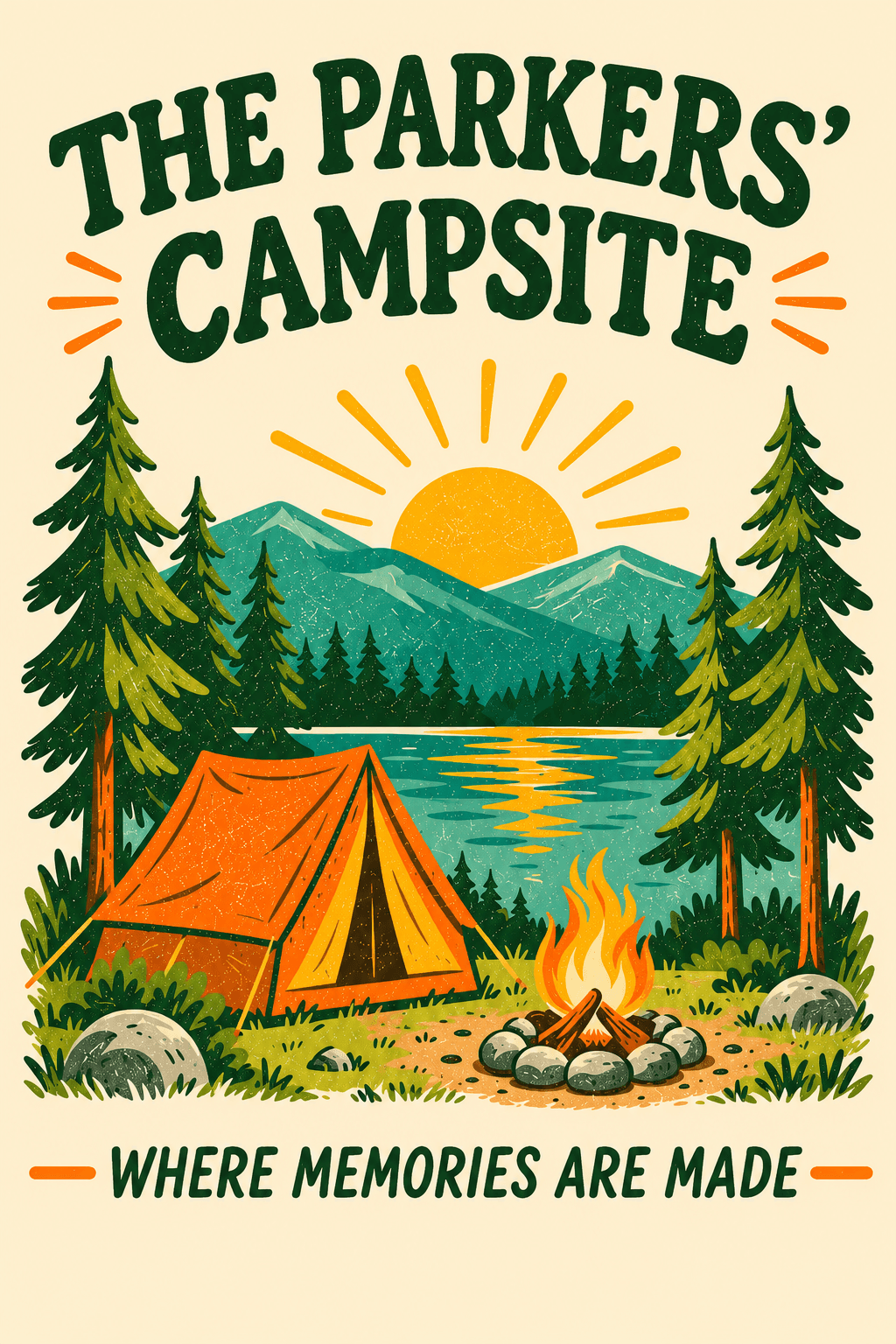
“Put this design on a garden flag beside a camper at a wooded campsite. Warm afternoon light, with the whole flag visible. Realistic photo.”
Example prompt and scene
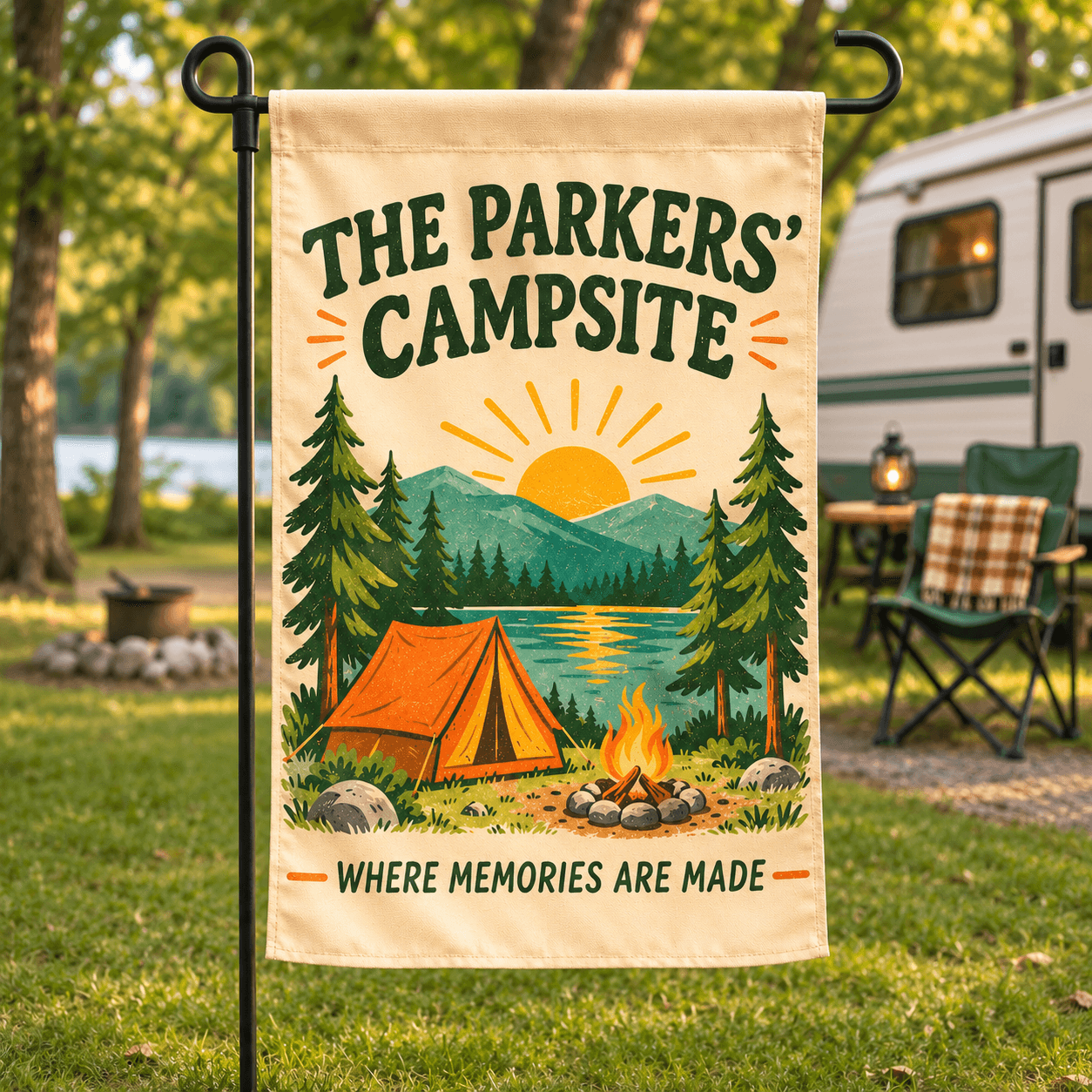
Give your products a setting
Start with your image and describe the scene. These example prompts show how to ask for lifestyle and custom acrylic mockups.
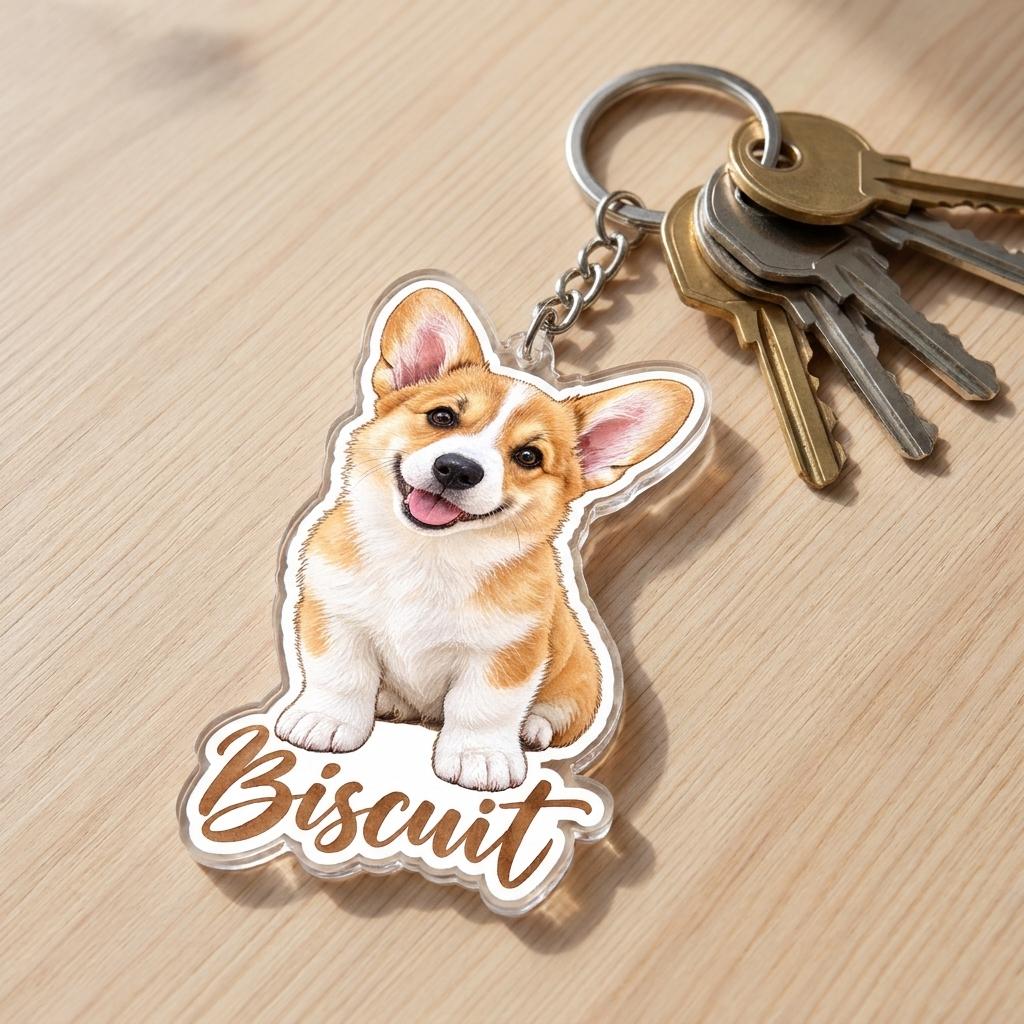
 Custom acrylic mockup
“Make a Custom Shape Acrylic Keychain from this design, lying flat on a light wooden table, attached by a silver split ring and short chain to a set of house keys, seen from slightly above, with a soft natural shadow under the acrylic. Realistic photo.”

 Canvas tote bag mockup
“Put this design on a natural canvas tote carried by someone at a farmers market. Show the whole bag, with the design facing the camera and produce stalls softly blurred behind it. Realistic photo.”
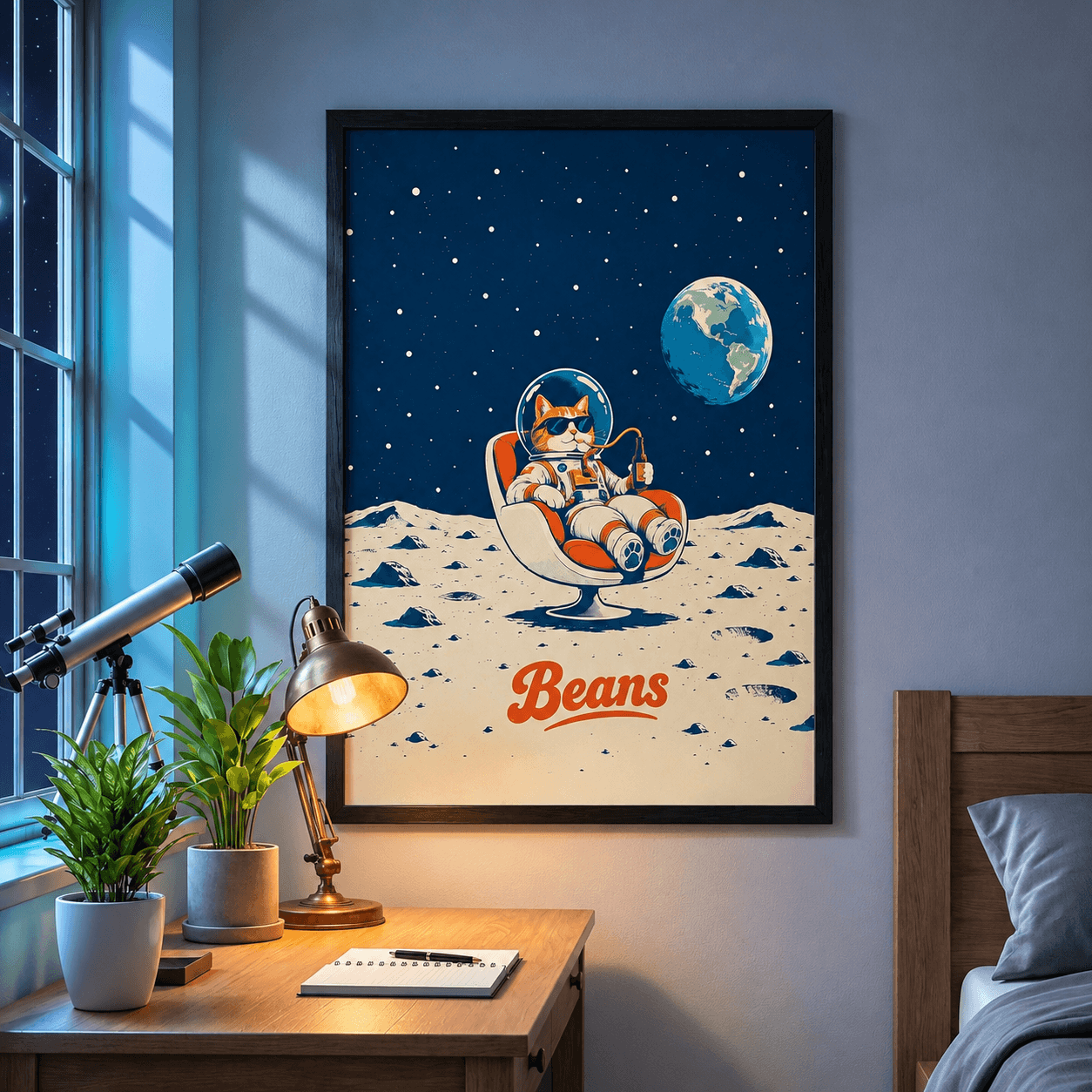
 Framed matte canvas mockup
“Show this design as a framed poster above a wooden desk, with plants and a telescope beside the window at night. Bright moonlight, a subtle blue glow and a warm brass desk lamp, keeping the artwork clearly visible. Realistic photo.”
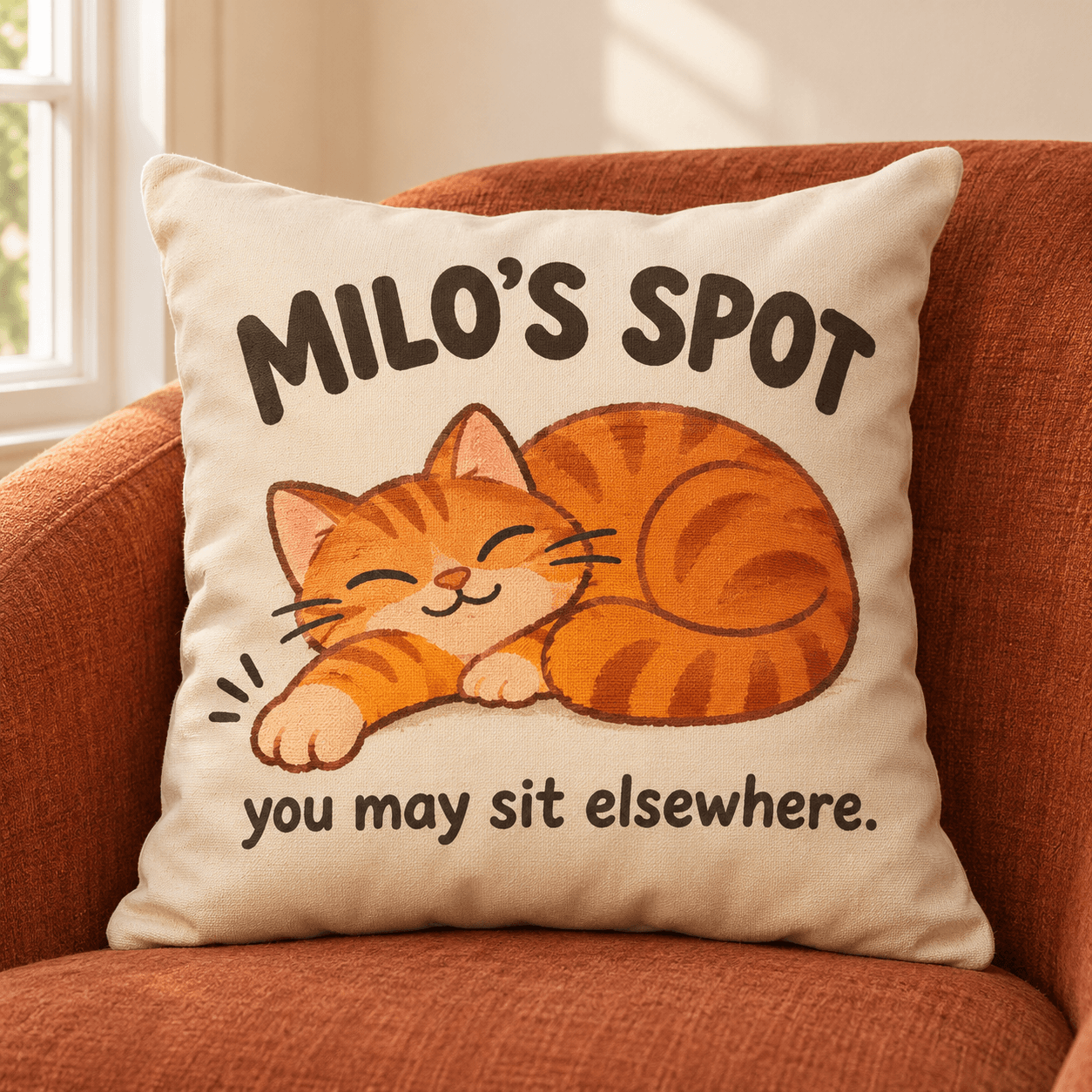
 Canvas throw pillow
“Put this design on a cream throw pillow resting on a rust-colored armchair. Soft afternoon light from a nearby window, with the whole pillow and its design clearly visible. Realistic photo.”
How the AI Mockup Generator works
Add your design
Upload a design or one of your product mockups. Or click Saved to pick artwork already in your Dreamship account.
Describe the scene
Say where your product is and what's around it, in your own words. Pick a task for a lifestyle or custom acrylic mockup.
Pick the shape
Choose square, portrait or landscape to fit where the image will go.
Use it
Download the image for your listings and ads. Or ask for changes and get a new version.
Lifestyle mockups made for your listings
Lifestyle scenes
A mug by the fire, a tote on the beach, a poster over a desk. Describe the setting, and the AI builds it around your product.
Custom acrylic mockups
See custom shape acrylic plaques, keychains, standees and ornaments, cut around your design.
Start from your real product
Upload one of your Dreamship mockups to put that exact product in a new scene.
Change it in the chat
Ask for warmer light, a different room or a closer shot, and get a new version.
Sized for where it goes
Square for product listings, portrait for Pinterest pins, landscape for your website.
Every chat saved
Find your past scenes under Chats and pick up where you left off.
AI Mockup Generator FAQ
Is the AI Mockup Generator free?
Yes. The AI Mockup Generator is free with every Dreamship account, including the free Basic plan. There are no credits to buy and no fee per image.
What can I upload?
Upload one or more JPG or PNG images, like your design or a product mockup you made in Dreamship. You can also click Saved to pick artwork already in your account.
Can I use the images in my listings?
Yes. Download them and add them to your product listings and ads, next to your Dreamship mockups. Check that each image shows your design correctly before you post it.
How is this different from Dreamship's product mockups?
Every product you create still gets mockups made from its real print file, which show exactly how it will print. AI mockups are scenes for marketing: the AI draws your product into a setting, so small details can differ from the printed product.
Can it make acrylic keychain mockups?
Yes. Choose the task Generate Mockup for Custom Acrylic Items, upload your design and describe the scene. The Biscuit keychain above was made this way.
Which products work best?
Products with a large, flat print area, like mugs, pillows, totes, posters, canvas and acrylic. On clothing, check that the details of your design came through.
How long does it take?
Each image usually takes under a minute.
More AI tools from Dreamship
Put your products in the picture
Create a free account and open the AI Mockup Generator from the menu. Your first scene is a sentence away.