Product Templates
Set up a product once, then just add designs
A product template remembers how you like a product set up: the item, the colors and sizes you sell, your prices, how it's named, its description and tags, its mockups and where the artwork goes. Start a new product from it, add your design, and it's ready to publish. Use templates in the Designer, for a whole batch of designs at once, or just by asking ChatGPT or Claude.
Classic Tee
Unisex Standard T-Shirt
- Colors
- Sand, Black, White, Navy Blue, Heather Grey
- Sizes
- S to 3XL
- Your price
- $24.99
- Name
- The design's name
- Tags
- dog loverfunny
- Artwork
- Front, centered
- Mockups
- 3 picked
 Your design
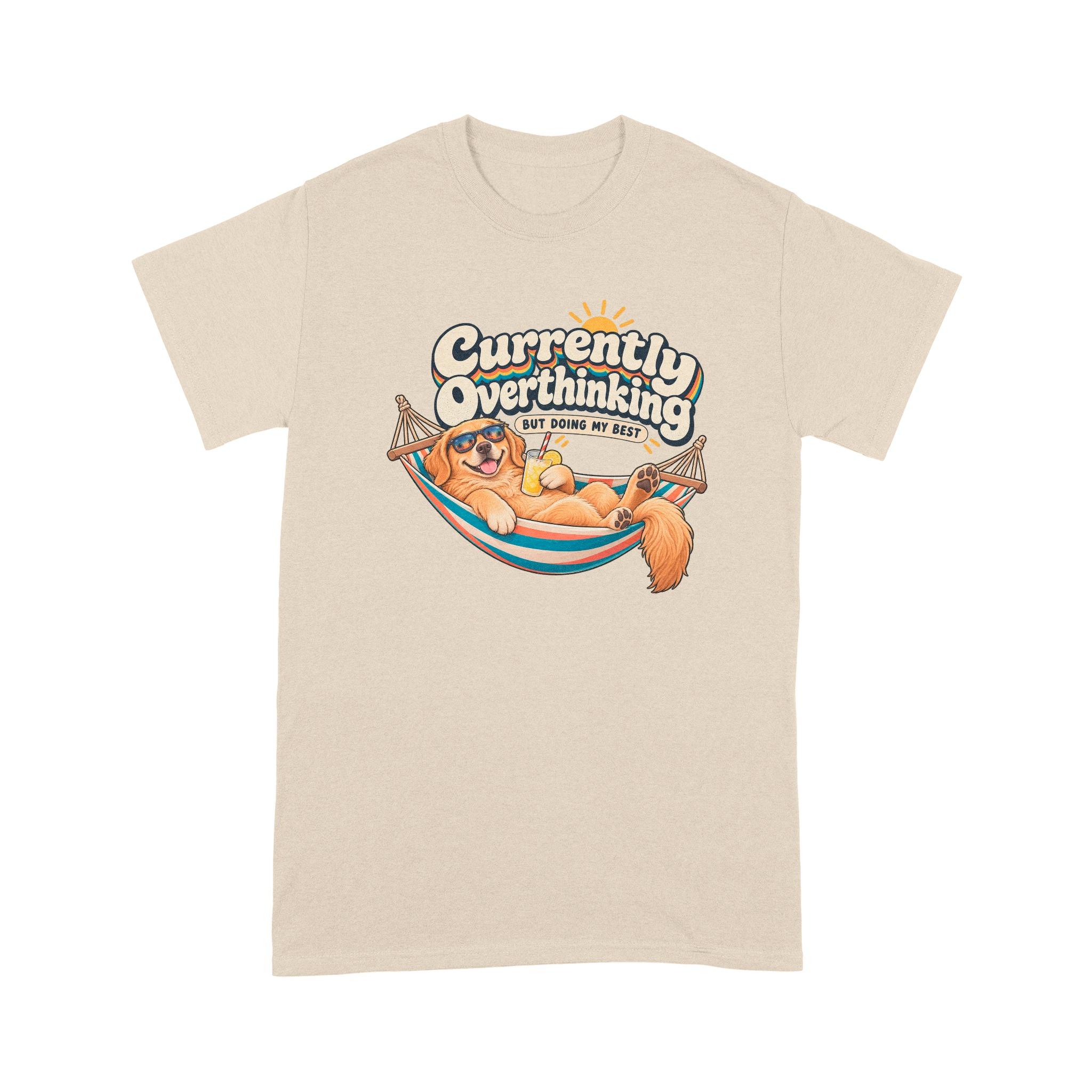
Currently Overthinking
Unisex Standard T-Shirt, 5 colors
What a product template saves
The settings you would otherwise pick again for every new design. Each template is for one item in the catalog, so make one for each product you sell, like a Classic Tee and a Classic Hoodie.
A template can also set a custom shipping weight and have products start as drafts on marketplaces when they publish.
- Item, colors and sizes
- The catalog item, and just the colors and sizes you want to sell.
- Your prices
- Your retail price for each color and size, set once instead of on every product.
- Names, descriptions and tags
- Name each product after its design, the item, both, or a name you choose. Your description, tags and product type come along too.
- Mockups
- The mockups you picked for the item, made fresh from each new design.
- Artwork placement
- Fit, Fill or Logo sizing, or the exact spot from a product you saved, kept as a share of each print area so every new design lands in the same place.
- Rotation
- Turn square, landscape and portrait artwork each its own way, handy for logos on blankets and towels.
Three ways to make a template
Start from a product you already like, or build one from scratch.
- 1
From a product you like
In the Designer, open the arrow next to Create or Save Edits and choose Save as template. It keeps the colors, sizes, prices, description, tags, mockups and exactly where the artwork sits.
- 2
From scratch
In Dreamship, go to Products > Templates, choose Create Template and pick an item. Then set its colors, sizes, prices, name, tags and artwork placement.
- 3
By asking your AI assistant
With Dreamship connected to ChatGPT or Claude, just ask: “Save my Snowy Fox Mug as a template.” You can rename it or change its prices the same way.
Use your templates wherever you make products
Pick a template, add your artwork, and the rest is already done.
In the Designer
Pick your template next to the item, add your design, and the product comes out with your colors, sizes, prices, name and placement.
Many designs at once
Turn on Bulk Add in the Designer, add a batch of designs and choose Bulk Create Products. Each design becomes a product from your template, and they can go straight to your shops.
With Collections
Group the items you always sell under Products > Collections, each with its own template, and bring them all into the Designer in one go.
With ChatGPT, Claude and more
Just ask for a product from your template
Connect Dreamship to ChatGPT, Claude, Gemini, Grok or Perplexity, and your assistant can work with your templates for you. Ask for a new product from a template, save a product you like as a template, or change a template's prices, tags or artwork placement, all in your own words.
New products are saved unpublished, and your assistant publishes them to your shops when you say so. Products you already made from a template stay as they are when you change it.
Things to try
- “Make a tee from my newest design with my Classic Tee template”
- “Save my Snowy Fox Mug as a template”
- “Which templates do I have for hoodies?”
- “Raise every price on my Classic Tee template by $2”
- “Move the artwork on my Classic Tee template a little higher”
Make a tote from my paper boat design with my Market Tote template, then publish it to Shopify.
Used Dreamship to make the product from your Market Tote template
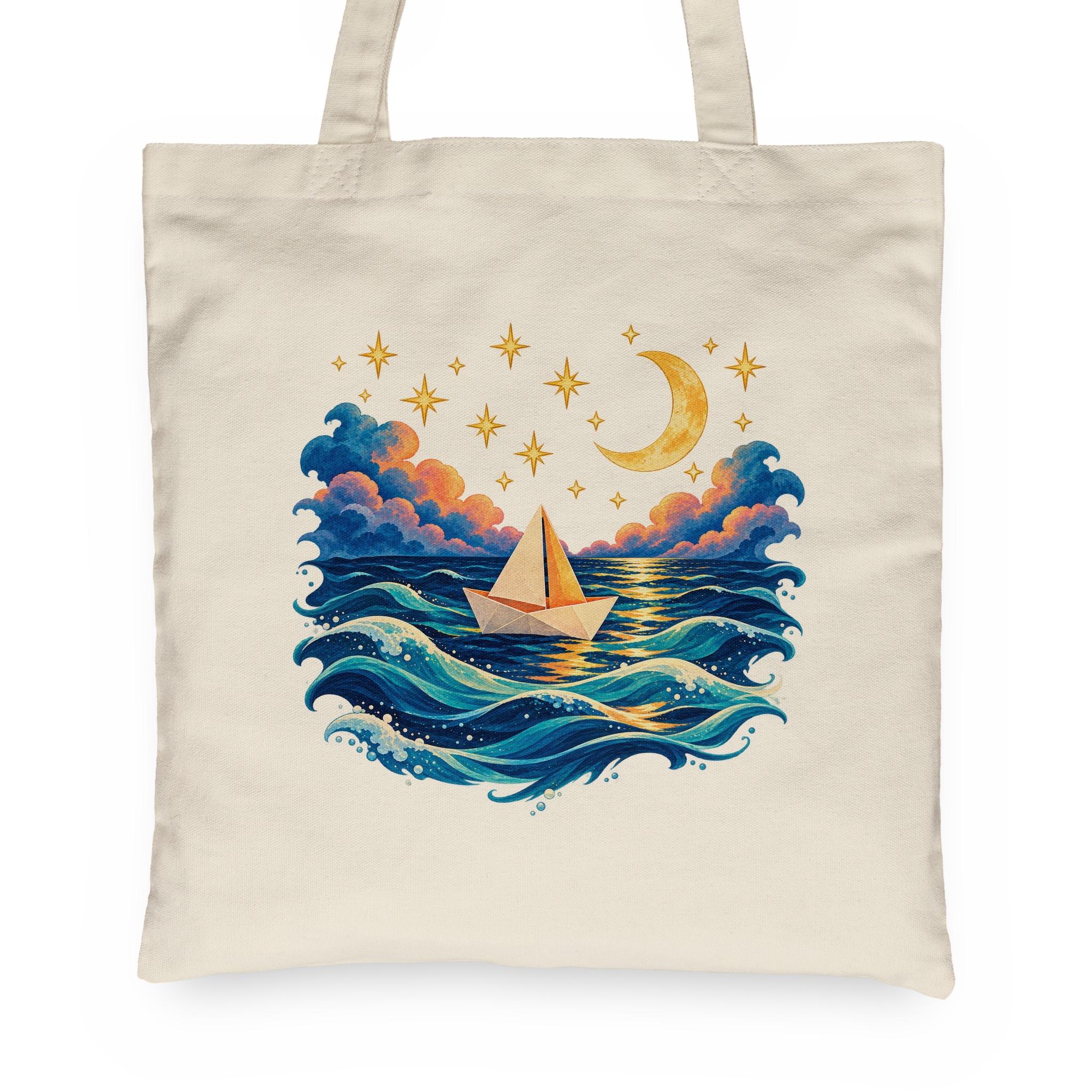
Paper Boat
Canvas Tote Bag
Done! It has your Market Tote price, tags and mockups, and it's live on your Shopify store. Want a mug from the same design?
With Claude Code and Codex
Hundreds of products from one template
Coding agents like Claude Code and Codex run on your computer, so they can work through your files. Give one a folder of artwork and a spreadsheet of names, prices and tags, and it makes each design into a product from your template, then publishes them to your store.
Each product can carry your own ID, like a SKU from your sheet, and Dreamship won't make a second with the same one. If a run stops partway, just start it again.
- designs/240 PNGs
- products.csv
Product templates FAQ
What is a product template?
A product template is a set of product settings you save in Dreamship: a catalog item with the colors and sizes you sell, your prices, how products are named, a description, tags, mockups and where the artwork goes. Each new product made from it starts with those settings, so all you add is the design.
How do I make a product template?
The quickest way is from a product you like: in the Designer, open the arrow next to Create or Save Edits and choose Save as template. You can also go to Products > Templates, choose Create Template and pick an item. With Dreamship connected to your AI assistant, you can ask it to save one of your products as a template.
If I change a template, do my products change?
No. A template's settings are copied onto each product when it's made, so products you already made stay as they are. To change one of them, edit the product itself.
Can one template work for different products?
Each template is for one catalog item, like the Unisex Standard T-Shirt. Make one for each item you sell, then group them in a Collection to bring them into the Designer together.
Can ChatGPT or Claude use my product templates?
Yes. With the free Dreamship connector, ChatGPT, Claude, Gemini, Grok and Perplexity can list your templates, make products from them, save a product as a new template, and change a template's name, description, tags, naming, prices and artwork placement. Products they make are saved unpublished until you ask to publish them. To add colors, sizes or mockups to a template, or to delete one, use the Templates page.
How do I make many products from one template?
In the Designer, turn on Bulk Add, pick your template, add a batch of designs and choose Bulk Create Products. For hundreds at a time, a coding agent like Claude Code or Codex can make a product from each design in a folder, with names and prices from your spreadsheet.
What if my next design is a different size?
That's fine. A template keeps its placement as a share of each print area, so each new design is sized to fit the same space, in the same spot. If a design is too small to print sharp, you can turn on AI Upscale for it.
Do product templates cost anything?
No. Product templates are free on every Dreamship plan, and so is the Dreamship connector for AI assistants.
Make your next product in one step
Create a free account and save your first template. Every design after that is just your artwork and a click.